Show real environments
Use wide, credible settings with room for the message. People should be engaged with the work.
 Brand Hub
02 / Expression
The TurnKey visual language makes complex conditions easier to see, understand and act on.
Photography
Photography should show the setting, the instrument and the expertise behind the work. It should feel observed, purposeful and grounded in the real world.

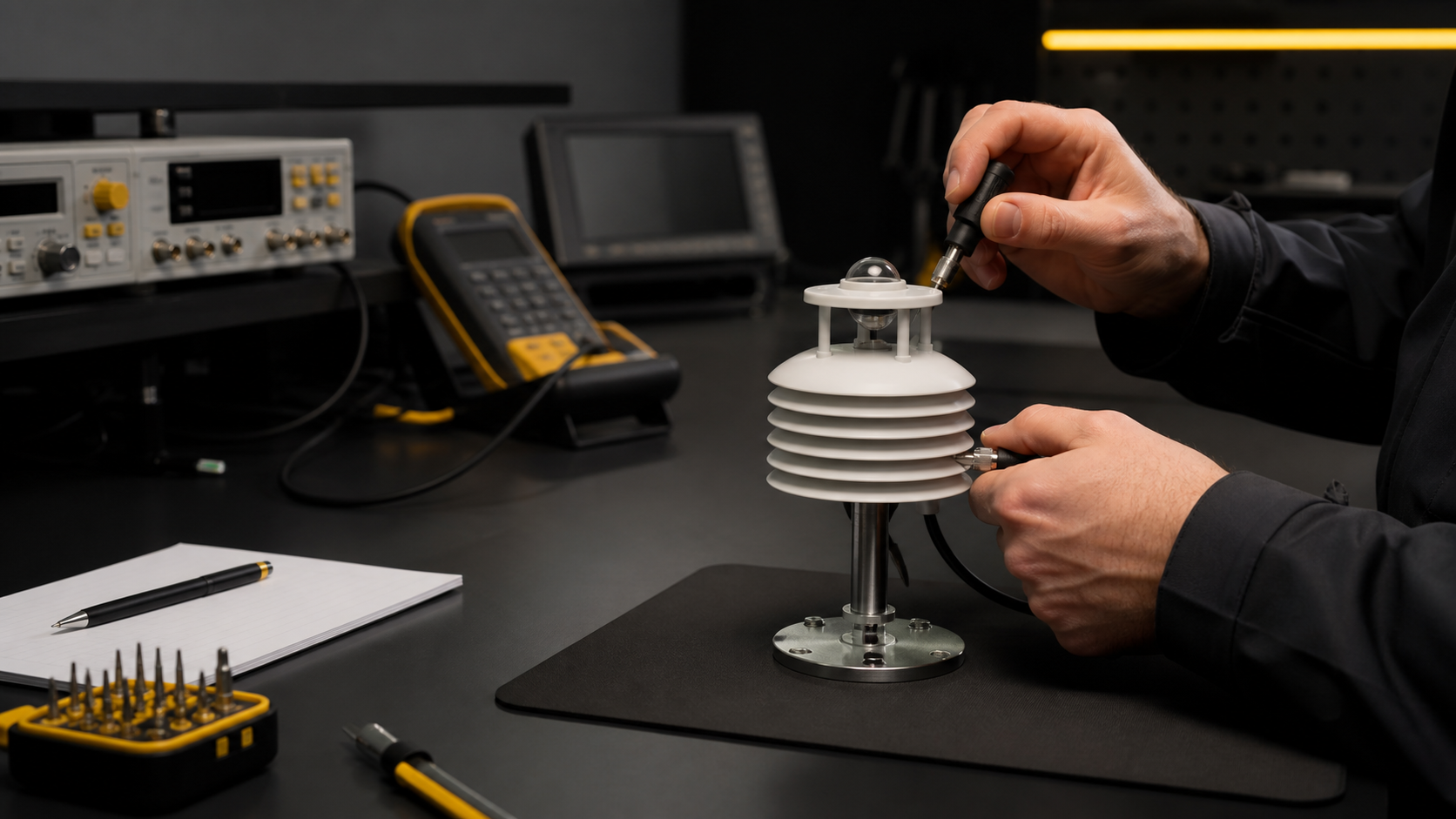
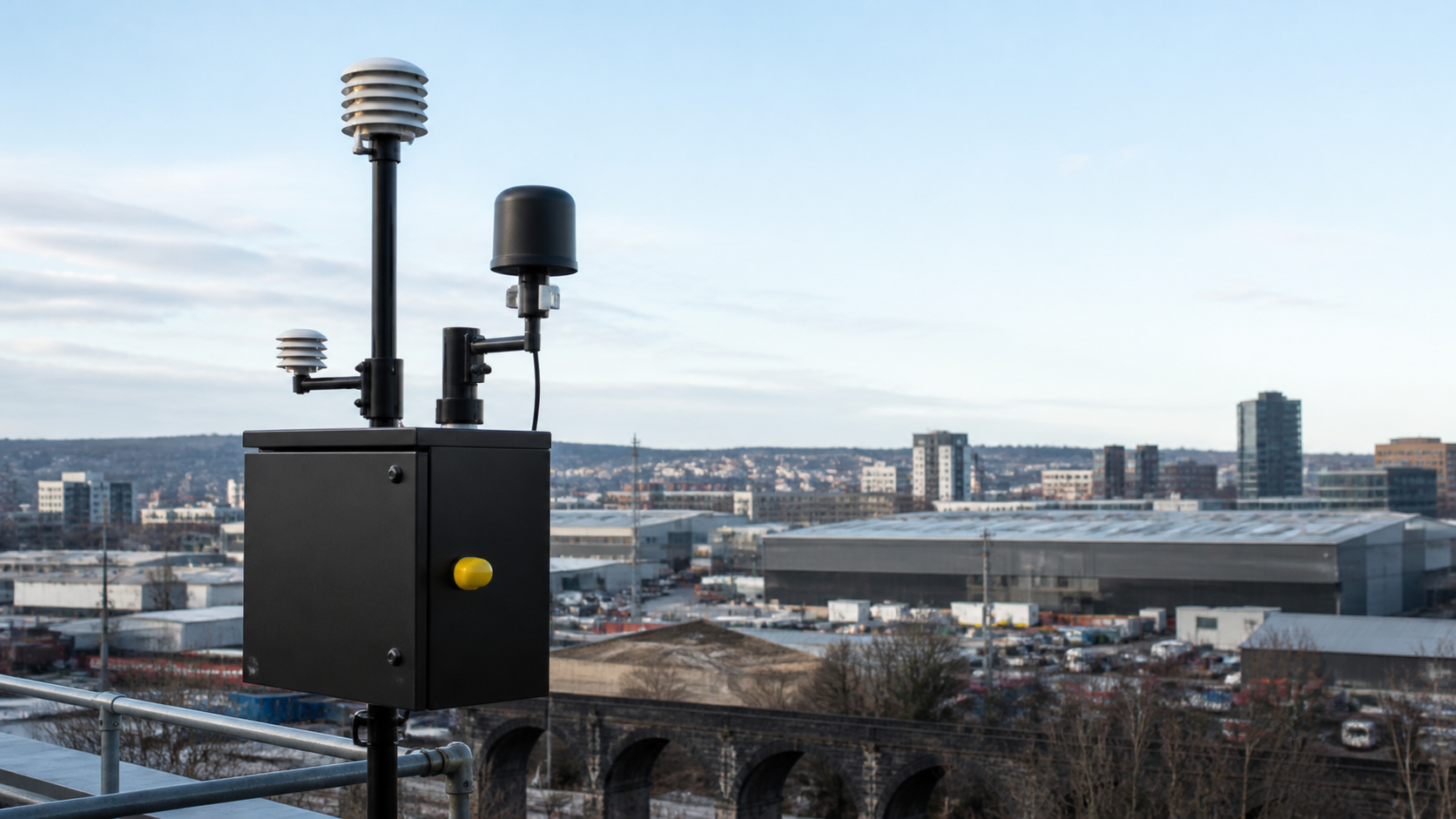
Use wide, credible settings with room for the message. People should be engaged with the work.
Show material, installation and instrument detail on honest surfaces with controlled light.
Give service, calibration and hands-on knowledge the same importance as the product.
Industrial, urban, workshop and vehicle settings should feel specific and purposeful.
Do not use posed scenes, visual clutter or effects that distract from the work.
Graphic language
Lines, ticks, markers and readouts guide attention, show movement and make information easier to follow.
DATA / CONNECTED
Use a trace to show change, connection or progression through information.
Use ticks to show order, comparison or a meaningful scale.
Use a readout to draw attention to the detail that helps someone decide or act.
Campaign expression
The campaign system turns field conditions, product detail and research-led stories into decisive visual communication without changing the core identity.
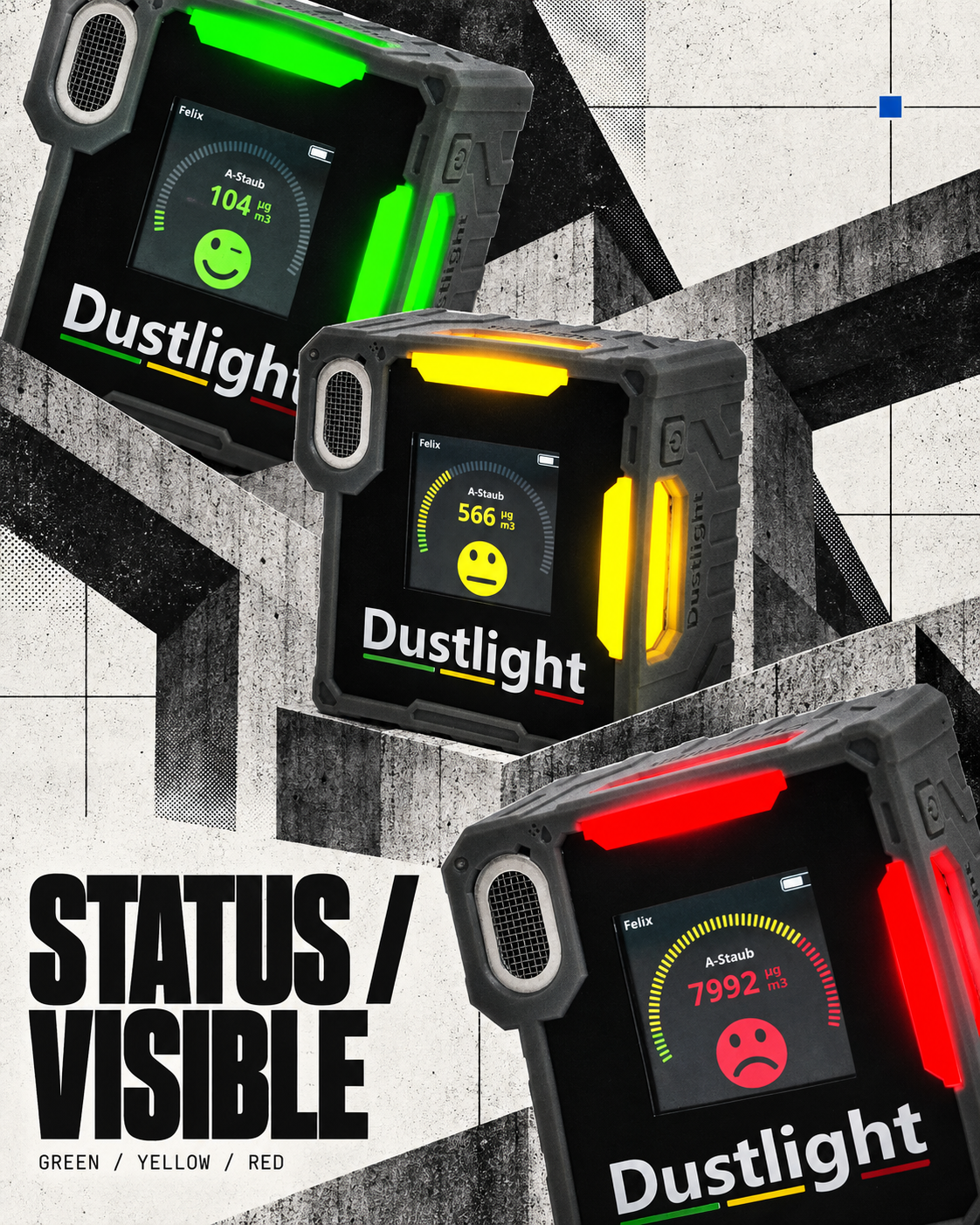
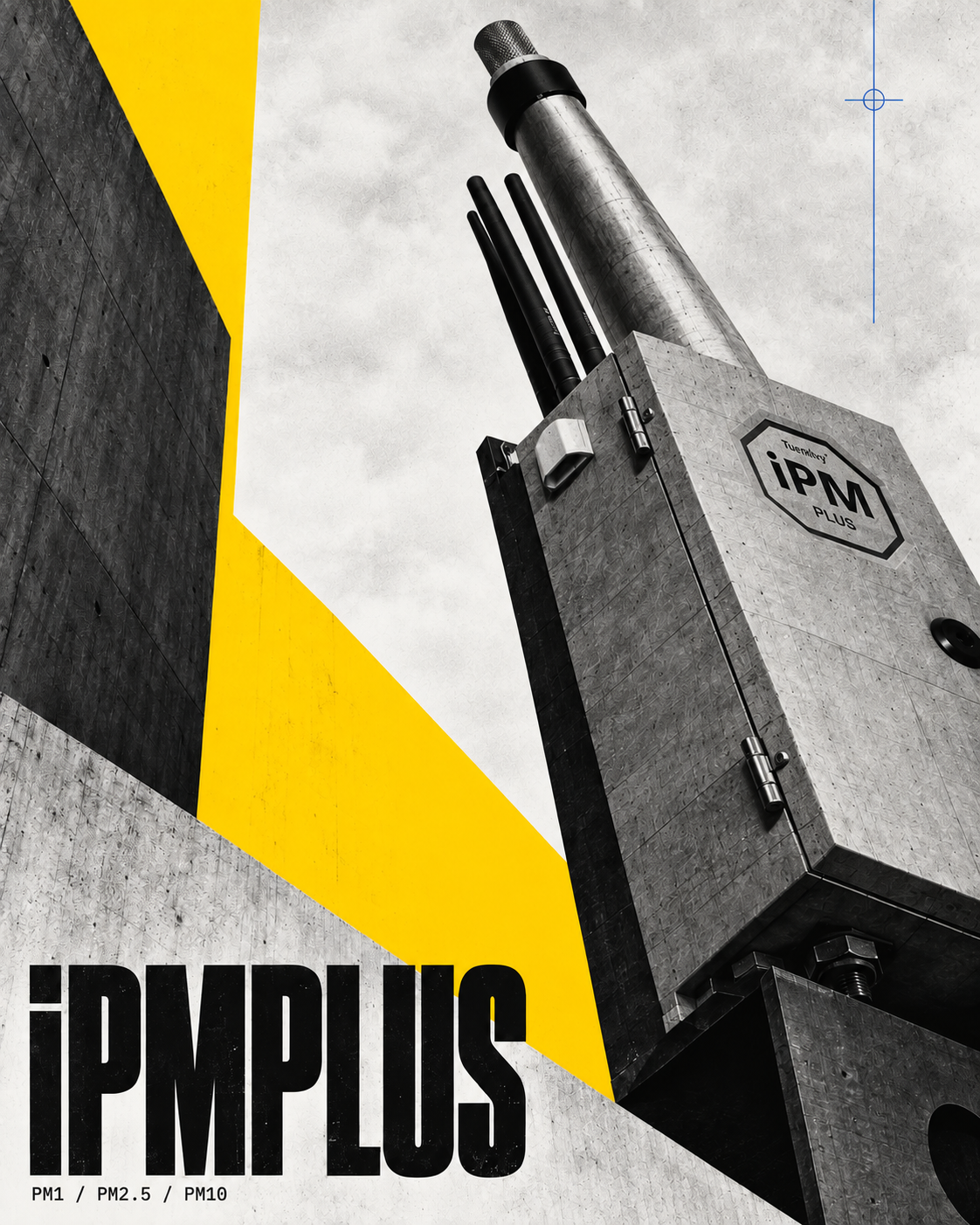
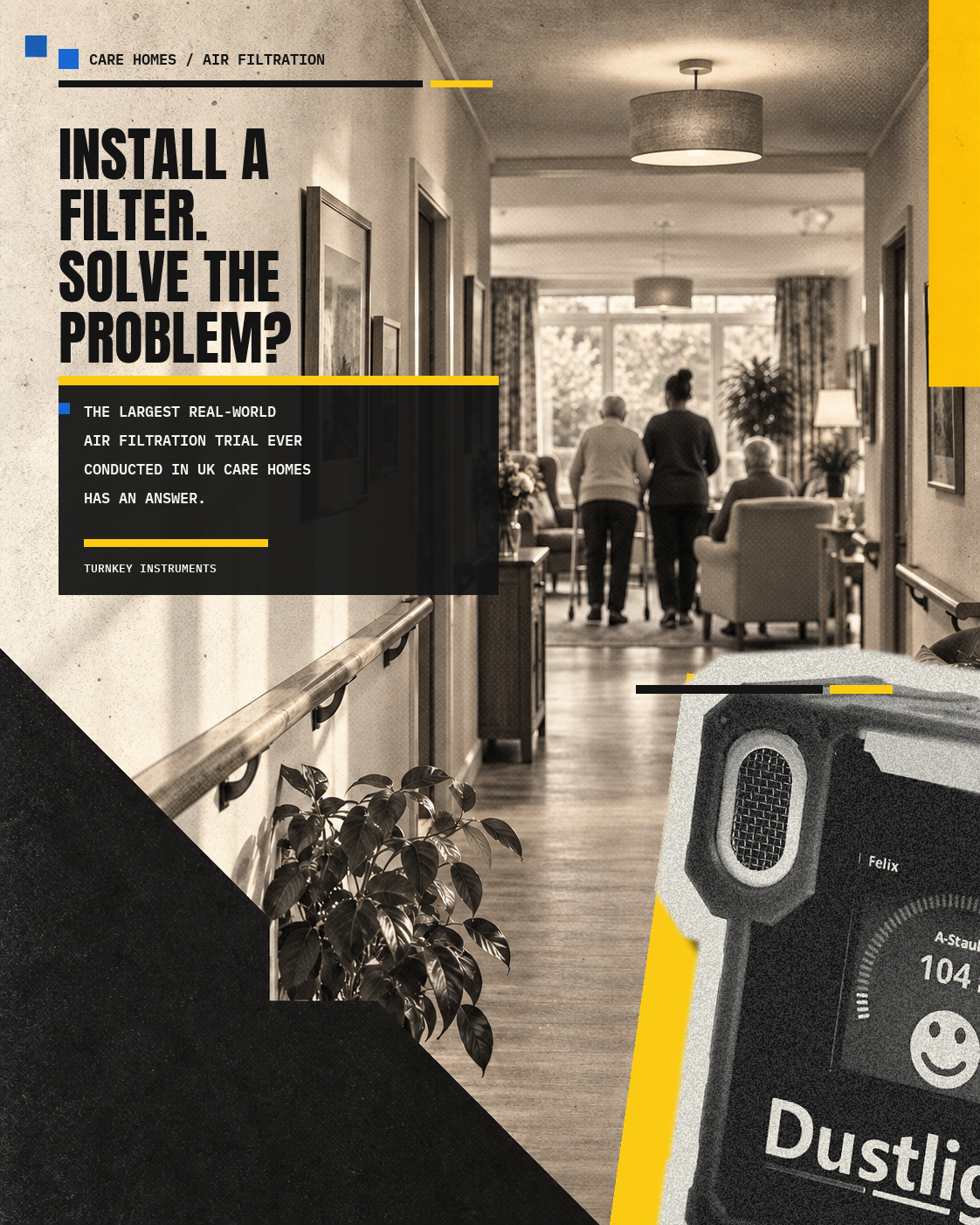
Use a short, compressed statement at a scale that establishes the first reading priority.
Use official product imagery, credible environments and source-backed statements. Never invent readings or product details.
Use hard crops, diagonals, halftone grain and raw material textures to add energy while preserving legibility.
Yellow carries emphasis. Blue marks technical detail or connection. Carbon and warm off-white hold the composition together.
Let one idea dominate each frame and use visual force to make the evidence easier to notice.
Avoid stacking multiple headlines, decorative metrics, generic industrial imagery or excessive distressing.
Support iconography
The line-icon system creates a simple visual shorthand for product families, connected features, service and resources.
Airborne particles, dust and environmental conditions
Gas monitoring and sensor-based environmental insight
On-site noise measurement, logging and thresholds
Site vibration measurement and remote visibility
Road, fleet, agricultural and off-road brake workflows
Inspection, investigation and vehicle condition
Remote access, device connectivity and stored evidence
Threshold-led notifications and site response
Analysis, graphs, records and reporting workflows
Instrument care, setup and dependable measurement
Support throughout the working life of an instrument
Product information, manuals and useful downloads
Use the same open line style, rounded joins and balanced visual weight throughout.
Icons support understanding; the product or service name remains the primary message.
Graphite is the default. Yellow highlights physical action; blue identifies connected moments.
Pair each icon with one stable meaning across digital, presentations and documents.
Never combine icons with the TurnKey mark or use them as decorative badges.
Voice + tone
Start with the condition, use a concrete verb and make the next step clear.
ACTION TurnKey monitoring solutions help teams understand changing particulate conditions and choose the right response for the site.
NEXT STEP Explore the right monitoring solution.
Clear language · practical outcome · useful next stepUse one idea per sentence, explain technical terms and keep product names consistent.
Do not hide practical value behind hype, broad claims or unnecessary jargon.