Category hero
Lead with the working condition, one yellow action, documentary imagery and a clear route to products.
 Brand Hub
04 / Applications
One clear design language across website, digital tools, sales materials, social and field communications.
Website + digital experience
The digital experience helps people recognise their condition, choose a route and understand the right instrument without facing a dense catalogue wall.
ProductsApplicationsServiceTalk to an expertAIR / PARTICULATE
Find the right instrument for personal, portable or installed monitoring.

Lead with the working condition, one yellow action, documentary imagery and a clear route to products.
Use category, product name, one useful capability statement and a clear action. Keep specifications behind the next step.
Start with use and capability, then reveal evidence, comparison, downloads and support.
Product page pattern
This sequence balances buyer clarity with technical depth and makes complex products easier to compare.
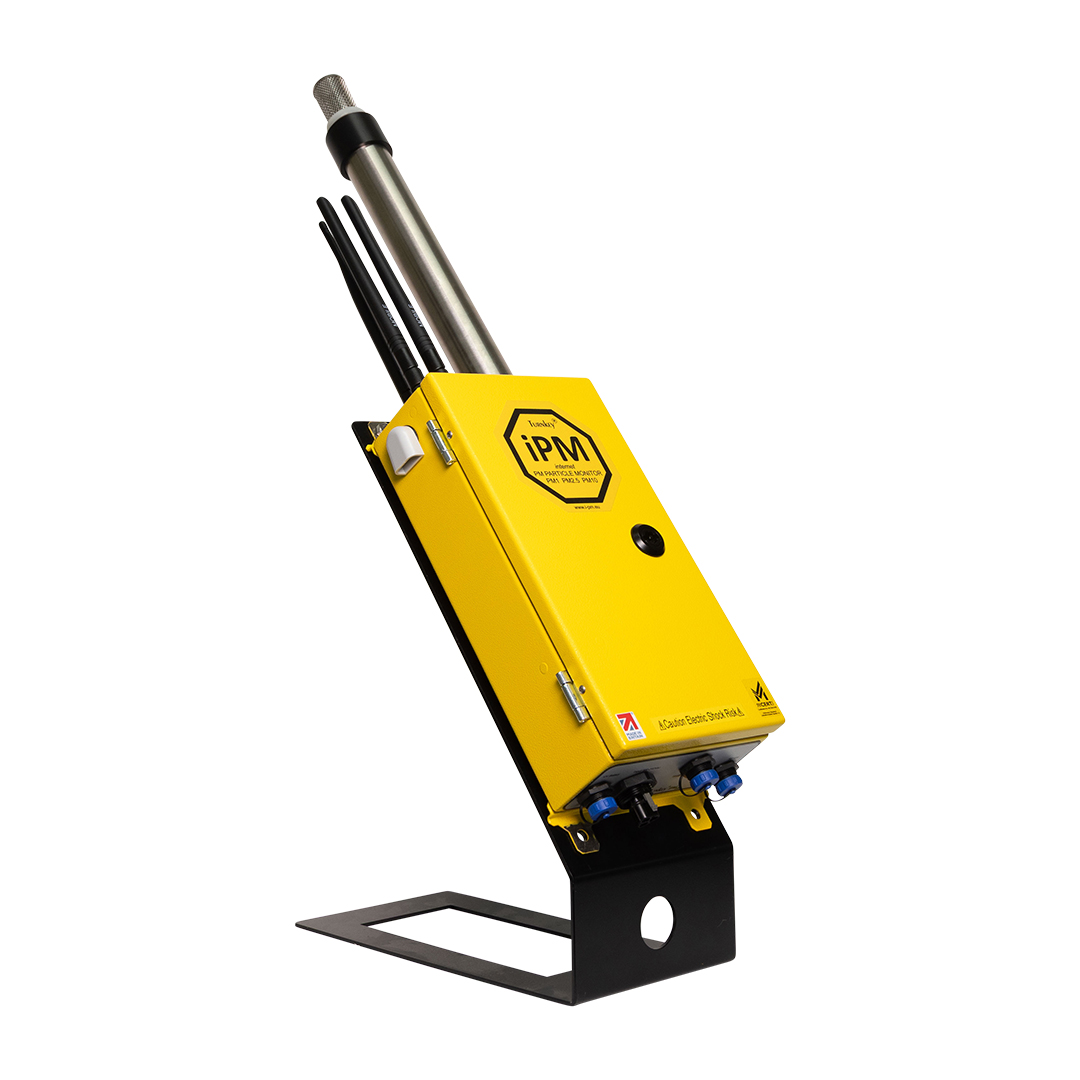
AIR + PARTICULATE / INSTALLED
Monitor multiple particulate size fractions in demanding sampling conditions.
Give the user a useful overview and a clear route to full technical specifications.
Apply approvals, accuracy and compatibility only to the products and configurations they describe.
Data + software
Signal Blue identifies links, selected states and connected functionality while the interface stays calm and information-led.
A simple interface pattern for monitoring, status and reporting.
Documents + sales
The same modular recipe carries into presentations, product sheets and technical documents.
PRODUCT OVERVIEWExplain the environment and the decision before listing instrumentation.
Use one concise operational idea, supported by a clear product or application context.
Place relevant product proof beside the statement it supports.
Number sections and give every page one clear reading priority.
Social + campaign
One forceful idea per frame.
The social system uses Anton, documentary imagery and hard-edged graphic structure to make technical subjects immediate and recognisably TurnKey.
Choose the lead idea
Build each frame around one product benefit, evidence point or field condition.
Use Anton as the visual hook
Keep the headline brief and large. Use IBM Plex Mono for evidence, categories and supporting detail.
Adapt the structure
Maintain the same visual language across portrait posts, carousels and wide banners without forcing one fixed template.
Build recognisable repetition
Repeat the type hierarchy, crop logic, texture and restrained signal colours across a campaign series.
Keep it focused
Avoid tiny specifications, multiple messages, decorative numbers and an overload of calls to action.